

Best WordPress plugins of 2020
When you own a WordPress website, you need WordPress plugins to complement the functionalities of your website too. Having an online business isn’t about having a website on display only.
WordPress websites require plugins for smoother functioning and improvement in the interface. Without these plugins, your website would lack the necessary functionalities to run properly.
The choice of plugins varies with your business niche. You might need currency converters if you are a casino website, you would want blog clocks if you are global, and you might want a visitor counter if you want to keep track of your business statistics.
Now, with all those different plugins that you might require, you have a lot to do when it comes to choosing the right one. You have to look through numerous niches, and then numerous plugins for each niche before you finally decide on choosing one of them.
That sounds like a daunting task if you have got other things to do as well. We thought we could help you with that. From all the great plugins available online, we have chosen the ones that serve the most vital functions for different business niches.
Best WordPress Plugins
In the coming age, say 2020, there is more to plugins than one particular function. You have to look at the plugin combined with its functions and compatibility to decide if it works for you or not.
If you spend that much time comparing plugins, you might have very little left for real-time applications. We have you covered on this. For the year 2020, we have these 12 plugins that you would surely love to have on board.
1. Optimole
One of the first and foremost things that you should focus on your WordPress website is speed optimization. On that notion, optimization for images and graphics is the tougher part.
Don’t worry though, we have a WordPress plugin for that too. Optimole is just perfect when it comes to speed optimization relative to images on your website.
Optimole covers all device types to make sure that images are loaded for each user depending on the device they are using. While it serves images to the users from a free CDN, it makes sure they are suited to all network speeds and all screen resolutions.
In addition to that, Optimole allows you to add watermarks to your images and protect your image properties. With easy tracking and easy monitoring in addition to retina and WEBP support, Optimole covers all bases!
All you have to do for Optimole to make your life easier is to sign up for Optimole, link your WordPress site, and leave the rest to it. Happy optimizing your images!
2. Wordfence

Securing your website becomes a dire need and necessity when you are working with traffic from multiple sources. With visitors from different demographics visiting your site, you can’t be careful enough.
How do you keep your site well-protected and yet accessible to all? You could do that easily with Wordfence. It, being one of the finest firewalls, helps you protect your website against any malicious attacks.
Where a cloud firewall can leak data, lose encryption, and be bypassed, Wordfence works on an endpoint firewall. This protects your website from any breaches relative to data stealth, bypassing, and decryption of encrypted data.
With live traffic optimization, leaked password protection, advanced manual blocking, country blocking, file repair options, and secured two-factor authentication, you have the perfectly secured firewall with Wordfence.
Wordfence keeps itself updated with regards to new viruses and breach methods being invented. With its premium features, you can have flawless protection against malware and attacks.
3. RankMath

If you don’t know how you are performing, you are literally wasting your time doing business online. Online businesses are all about knowing your standings and the standings of your competition.
Knowing this very discipline is called Search Engine Optimization. We recommend RankMath for SEO and content optimization of your website. It is compact yet comprehensive as a WordPress plugin for SEO.
You don’t need to go through lengthy setups and installation processes with RankMath. It is as easy as one-click and done. With an easy to follow setup wizard, you can have it set up without the need of any digital expertise.
With an unmatched modular framework, RankMath provides you with an immaculate interface for interaction with your SEO statistics. The code for Rankmath is optimized for speed and you can be sure that all this goes on your site without affecting its speed and performance.
With XML sitemaps, rich snippets, breadcrumb navigation, 404 monitoring, local and advanced SEO, automatic redirection, multiple keyword optimization, and in-depth SEO analysis, RankMath has it all.
Sign up for RankMath now or get a free demo to know where you stand with your Search Engine rankings and what steps you can take to make it all better.
4. Visitor Counter Plugin

A WordPress visitor counter plugin is not complex and is not multipurpose. Then why do we emphasize that you have one on your WordPress site?
It is about starting to know your website and its audience. If you are just starting or even if you have been long in the business, you can have a simpler way of knowing your audience volume then those graphs and analytical reports.
You can know your audience volume simply with a Website counter. It is just a WordPress visitor counter that keeps count of people who visit your site.
You can then access this information and analyze it for particular days or hours of the day to determine when your business tends to attract high volumes of the audience and when you can try to add to the audiences with added efforts.
Visitor Counter Plugin is free, it is easy to install, it comes with zero third party involvement, and it is simple. What else would you require off a WordPress plugin that gives you a count of your website’s visitors?
5. WP Review
Customer interaction and feedback is pivotal to your business if you want to thrive online. Without customer feedback, potential customers tend to feel withdrawn before they decide on purchasing from you.
With a simple one-click install plugin, you can let customers give their valuable feedback on your website to certain pages. This goes perfect for blog pages and products.
Just like the Casino Oranje online review, you can let customers have their say about your product or services to impact the decision of future customers too.
WP Review allows you to install a user-friendly interface for customers to give or view reviews for your content on the website. It is minimalist, has easy access for both users and programmers, and supports shortcodes as well.
With WP review, you have 100% fluid responsiveness, customizability, translation readiness, 2 distinct review box templates, and easy CSS modification to fit your WordPress theme needs too.
Download WP Review for free now and let your users interact with your content on your website and make an impact with their reviews. That would be your first step towards branding.
6. OMGF: Host Google Fonts Local
Want to have numerous fonts for your WordPress website? You can do that the tougher way or the easier way. We would be telling you the easier one here though.
With OMGF, you can download all the fonts that you want for your WordPress website to the content folder of WordPress. With that, a stylesheet is automatically generated for those fonts.
OMGF automatically includes the stylesheet to your headers, provides a 100% compatibility with CSS and JS optimization, decreases your pageload time, and leverages browser cache as well.
OMGF automatically detects what Google font you are using, finds the different fonts in different subsets, downloads all detected fonts, generates stylesheets for the fonts and helps you load your fonts asynchronously.
Get OMGF and host all your Google fonts locally on your website that makes your website lighter, minimal, and quicker. What else would you need?
7. Elementor
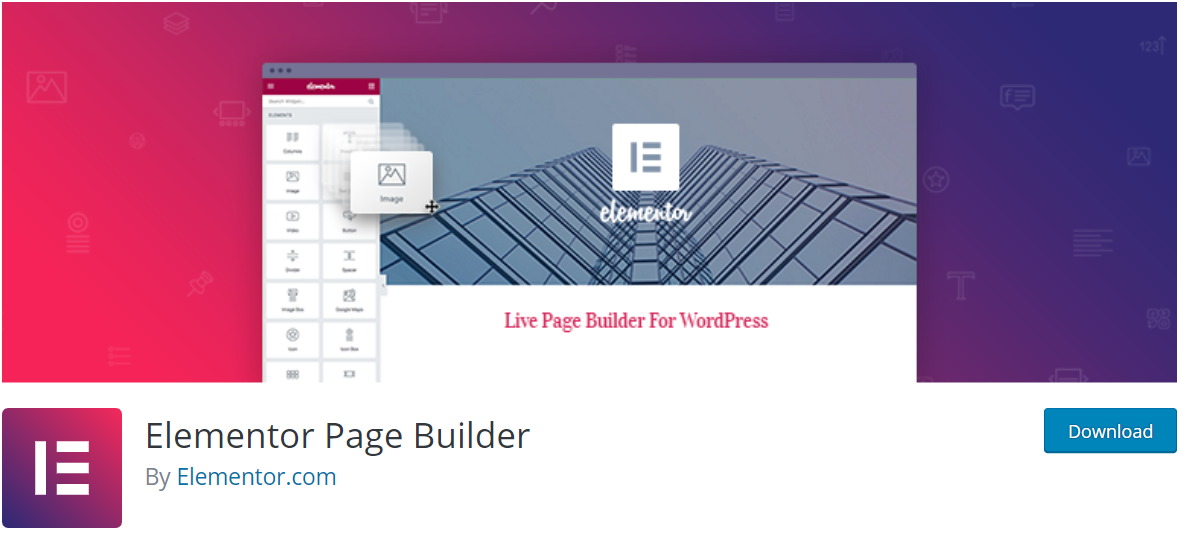
This is down here but it should have been the first one in the list because page-builders are the first thing that you want when it comes to WordPress plugins for your website.
WordPress page builders are the first steps towards owning a great website. They are like your workshop where you create and prepare your business for exposure.
Elementor, without any doubt, is the finest page-builder plugin that you would find over the web. It is virtually an all-in-one solution that allows you to edit your site with a drag-and-drop mechanism.
It has a pixel-perfect design, creates traffic and conversion opportunities, allows you to create any website you want, and enables you to carry out full-scale optimization and customization to your website.
With over 80 different designs, multiple theme integrations, extendable code, and user-friendly environment, Elementor is the perfect choice for a page builder.
8. WP Rocket

Rocket speeds are necessary for websites when they are dealing with potential customers. Visitors are all okay with slower loading speeds but on the contrary, potent customers want speedy loading and low processing time.
You simply cannot afford to lose a customer because the checkout page took 3 more seconds to load than it should. It sounds absurd and believe us, it feels even worse.
For that purpose, site speed enhancement and maintenance to be precise, we have WP Rocket as a recommendation. It frees you of all speed-related worries for your site with minimal effort.
With page caching, WP Rocket reduces page loading and processing time in addition to adding value to Search Engine Optimization assets for your webpages.
Cache preloading, static file compression, images on request, and developer-friendly interface make WP Rocket a great choice as a speed-enhancing plugin.
9. Contact Form 7

You cannot build an online business without building a prospective, future, and past client contact list. Your customers, be them prospects, recurring, or past, are pillars to your business.
The perfect way to build a customer contact list would be through a contact form on your website someplace. On the home page mainly. A simple, minimal, and clean contact form to capture leads.
Contact Form 7 is our recommendation for that purpose. It helps you manage multiple contact forms that can be customized and tailored according to your needs.
It is easy to install and minimal, to say the least. You can embed the form on any part of any page on your website. You can alter the required content and also enable auto-replies to the captured leads.
No-fuss and yet you have a lead to work with. That is what Contact Form 7 allows you to do. Get leads and communication without the need for third-party involvement or anything.
10. Really Simple SSL
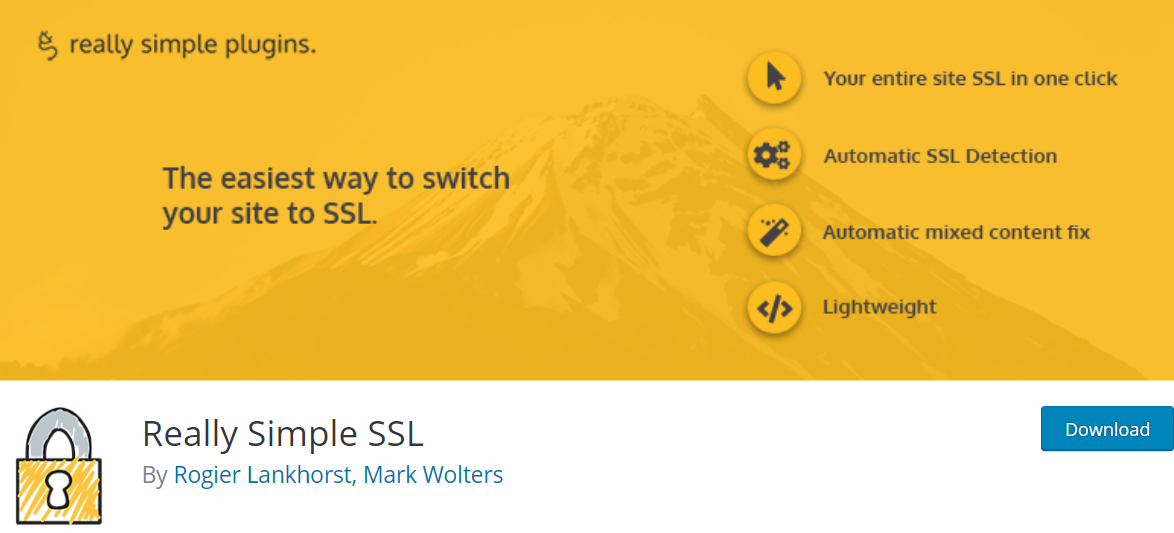
Want to switch your website to SSL? There is an easy way to do that. Really Simple SSL! You can convert your website to SSL encrypted form and allows you to run your website over https with all your recommended settings.
To use Really Simple SSL, there are three steps towards configuration:
- Get an SSL certificate. This part has to be done by you. Acquire an SSL certificate so that your website can run on SSL.
- Activate Really Simple SSL.
- Enable SSL with one click.
It gives you an option to secure your content with a mixed content scan, enables HTTP strict transport security, provides advanced security headers for protection, and provides you with premium support in case you have questions.
Opt for Really Simple SSL and you have already done your work with regards to SSL encryption and enablement. Easy and simple. Isn’t it?
11. All-in-one WP Migration

Want to export your WordPress website and have no technical coding knowledge? It should not be a problem if you have the All-in-one WP Migration plugin.
The plugin simply exports all your data, the website, and the database without you having to know programming or coding specifically. You can also find and replace operations on the database and fix any recurring serialization problems.
With zero limitations on hosting and Operating System requirements, no upload restrictions, zero dependencies, MYSQL and MYSQLI support, WP-CLI integration, and much more, All-in-one WP Migration is a must-have.
Get it now and cut down on your worries relative to the export of your data and WordPress website between servers.
12. MailChimp for WordPress

Want to connect your MailChimp to your WordPress? This can’t get any easier for you. MailChimp connected to your WordPress presents you with a great opportunity to stay in contact with your customers.
It is specifically tailored for Newsletter campaigns for your business, thus allowing you to send Newsletters to your customers with the greatest of ease and without a hitch.
The plugin allows you customization, further development, extensive support and documentation, add-ons with the plugin, and translation enablement.
Get MailChimp for WordPress today and start to stay connected with your customers regularly. Perfect. Isn’t it?
Conclusion
All these plugins are great for all different niches of business. You can add them to your site and they will provide the highest value to your website.

